
Feb 10, 2026 | Education, Knowledge Base, performance management
Welcome to Performance Scoring! Change is hard and we get it! Our goal is to provide you and your team with all the information needed for a successful rollout.
Once logged in, your Performance Scoring (Default) Dashboard will appear.
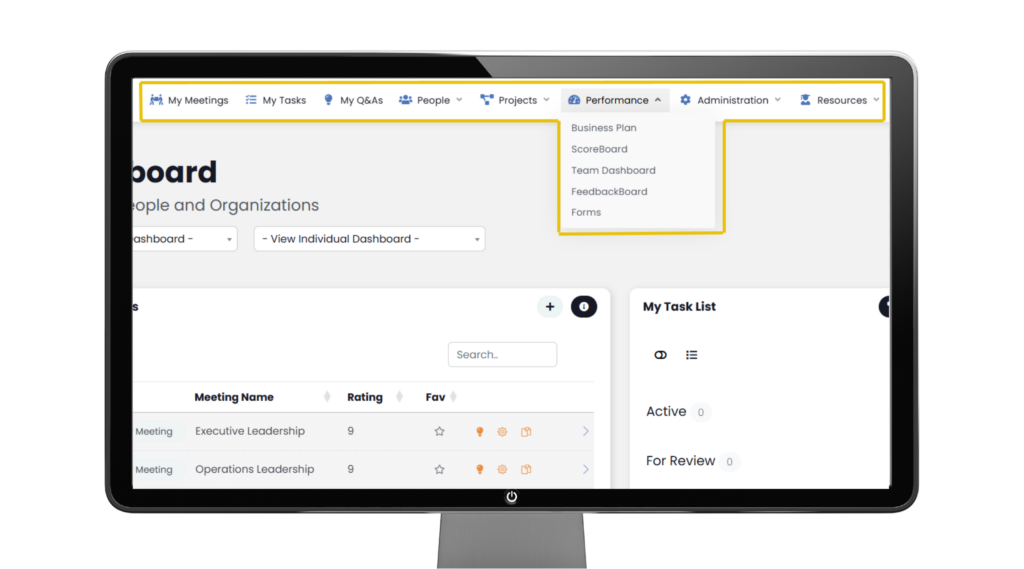
Navigation Panel Overview
At the top of this presentation, you will see your Navigation Panel. The application modules and features are assigned by ‘Role Permission’ within your organization. *Toggle over any item to see sub-items.
Dashboard
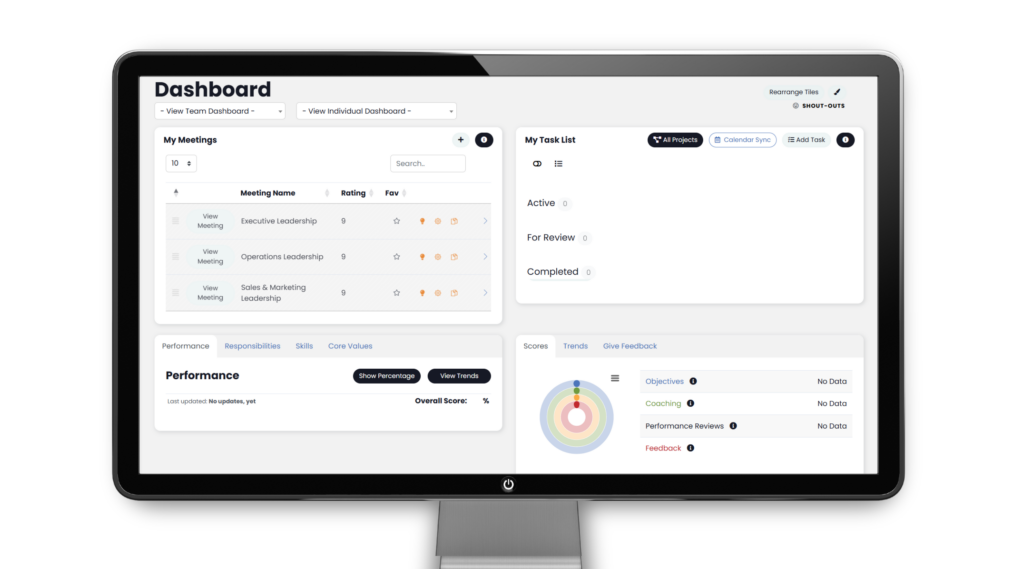
Upon first logging in, your Dashboard will appear mostly empty. This is completely normal in the beginning.
Please, note the following:
· Team & Individual Dashboard
· PERFORMANCE SCORE – Ring chart of Performance, Alignment and Engagement
· FEEDBACK – Metrics, Role & Skill ratings, Core Values and Engagement ratings
· Task List

· My Meetings
*Each Individual (User’s) Dashboard can be reconfigured to include other modules, by using the Paint Brush icon in the top, right corner.
My Meetings
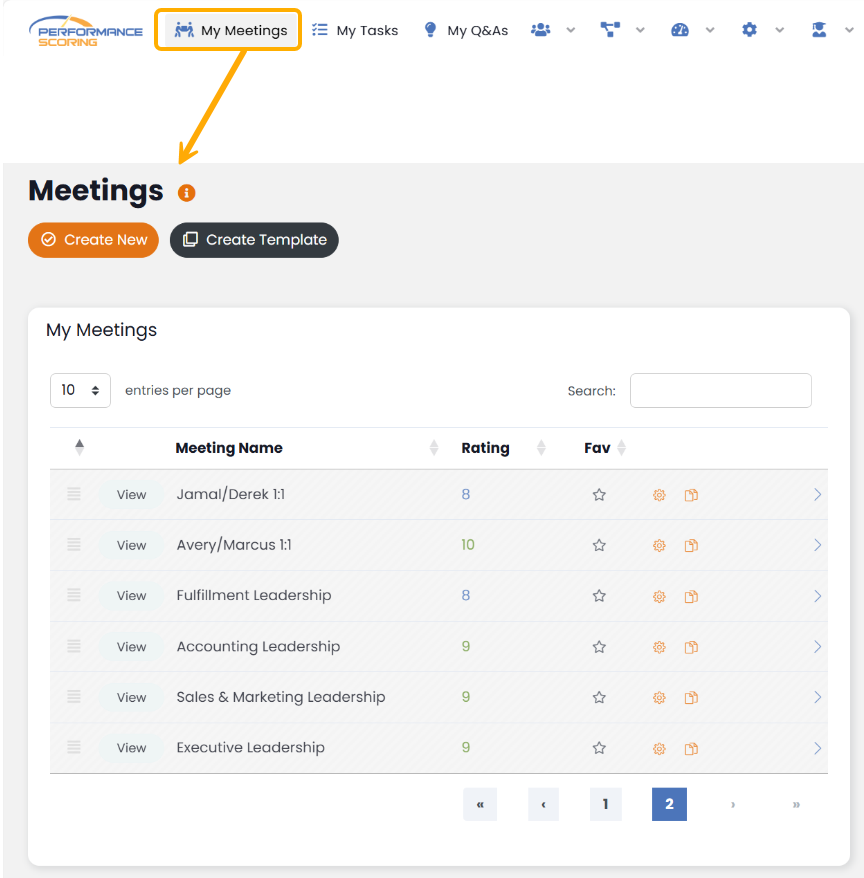
You can access all your meetings via the ‘My Meetings’ found on the main Dashboard or by navigating to ‘My Meetings‘
Tasks/To Do’s
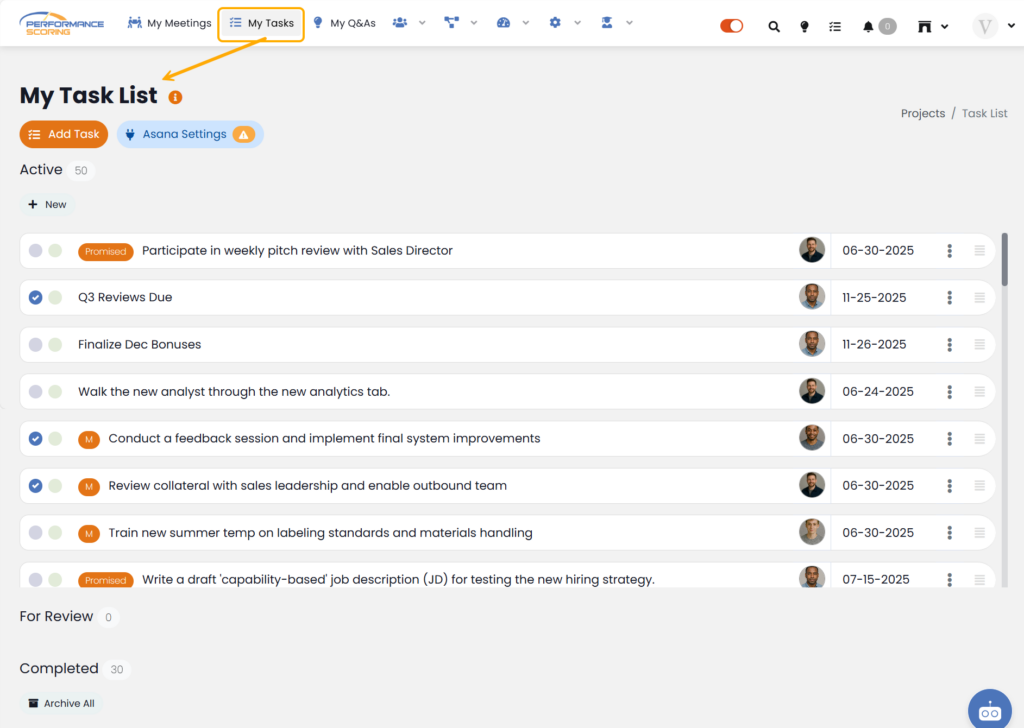
Your ‘Tasks’ list can be found on your Dashboard as well as the ‘Navigation Panel’ through the ‘Task List’ Icon. Either location will display all Tasks you have pending as well as those marked complete or waiting for approval.
From your Tasks List, you are able to ‘Add Task‘ as well as ‘Asana Settings‘ if your team uses it.
The Accountability Chart™
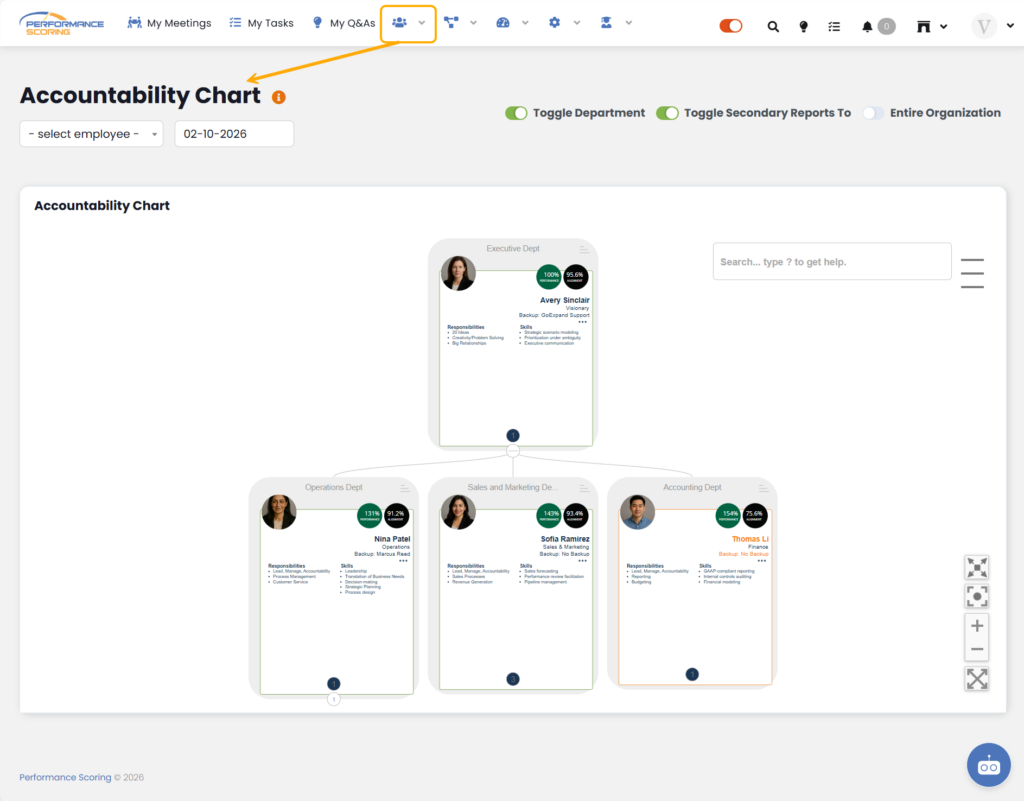
Accessed by navigating to the People Icon > The Accountability Chart™. This area displays all individuals that report to you and those that report to them. clicking on a user’s card.
Each user card displays their ‘Company Role’ as well as their Ring Chart and general information. Further information can be accessed by clicking on a user’s card.
Projects
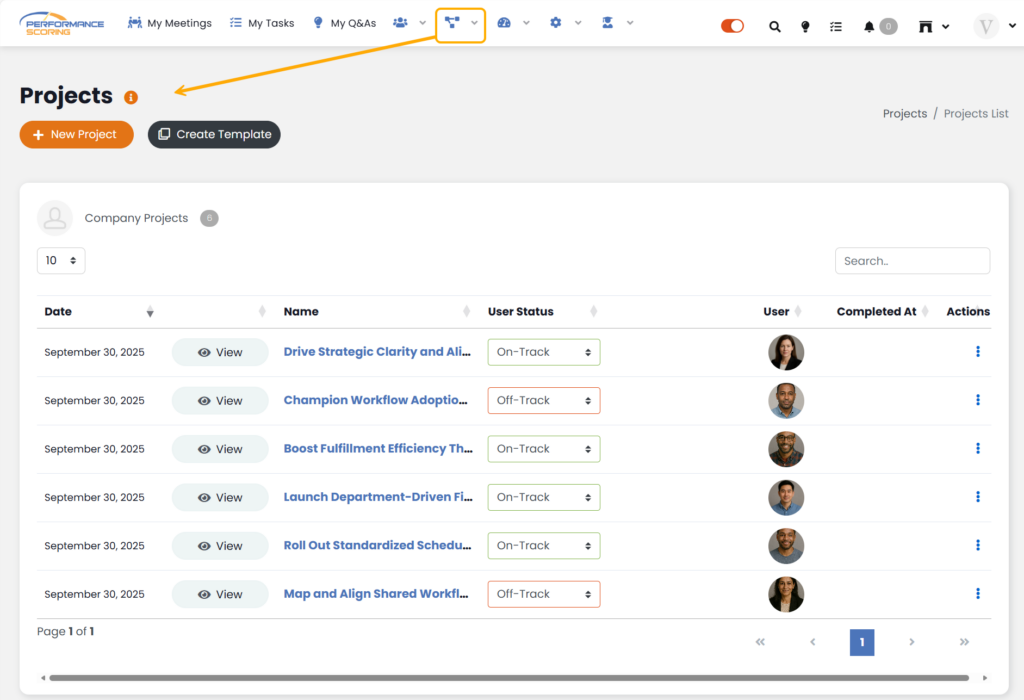
To create or access your ‘Projects’, navigate to Projects > Projects List. This page will display all Projects you have access to as the owner or as a viewer, or team member.
>Up Next: Create and Manage Tasks in Performance Scoring
Additional training assistance:
See the full Knowledge Base Training Course here!