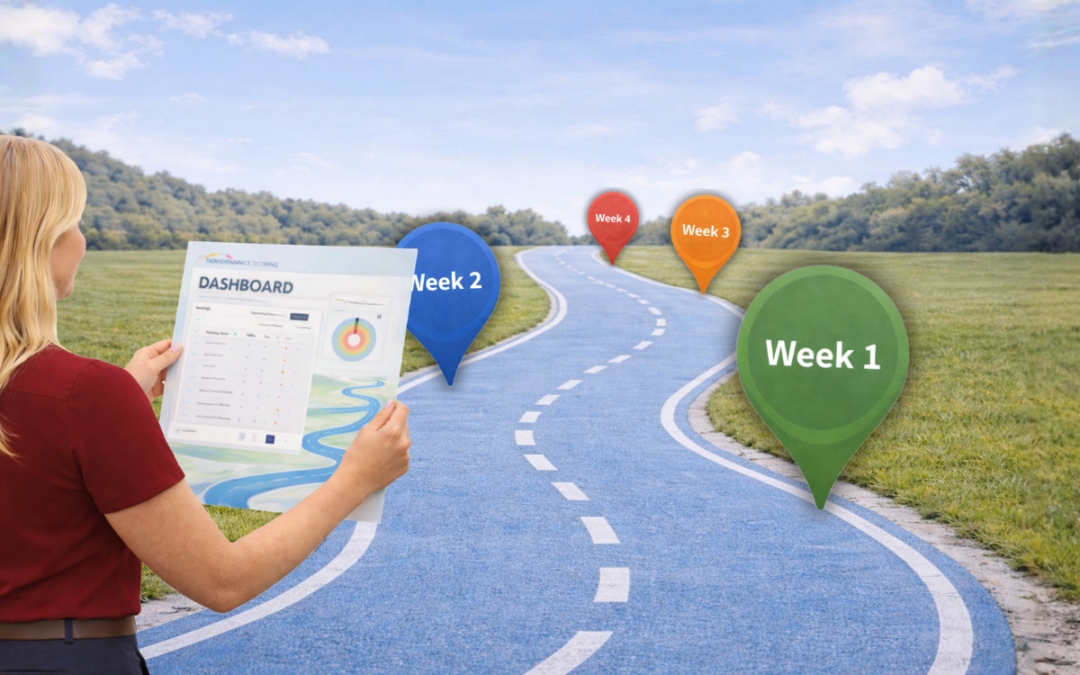
Week 1 Training Outline: Getting Comfortable & Running Your First Meeting
Session 1 (60-90 Minutes)
Welcome & Session Goals
- Quick overview of what you’ll accomplish today
- How this session ties into running your first Executive Leadership Meeting
Navigating the Platform
- How to move through the system confidently
- Understanding the main dashboard layout
- Where to find meetings, tasks, projects, and scorecards
Material: Platform Overview + Dashboard Basics
Creating & Managing Tasks
- Building simple tasks
- Assigning owners and due dates
- Best practices for task follow-through
Material: Create and Manage Tasks
Managing Objectives & Key Projects
- Adding a few essential metrics and objectives
- Connecting tasks to broader projects
- Keeping leadership priorities visible
Material: Managing Objectives + Projects Overview
Executive Leadership Meeting Setup
- Walkthrough of the meeting agenda structure
- Introduction to the meeting flow:
- Segue: A quick opening check-in that helps the team transition into meeting mode, build connection, and get focused.
- Scorecard: A review of key weekly metrics to identify what’s on track, what’s off track, and where attention is needed.
- Projects: A discussion of major priorities and initiatives to ensure progress on strategic goals.
- Tasks: A review of assigned action items to confirm completion, ensure accountability, and address roadblocks.
- QAs/Topics: A dedicated time for discussing important questions, challenges, and decisions that require leadership input.
- Wrap-Up: A closing review to confirm next steps, assign final actions, and ensure everyone leaves aligned.
Material: Executive Leadership Meeting Agenda + How to Run a Meeting
Scorecards in Meetings + Next Steps
- How to review and manage scorecards live
- What to prep before your first official meeting
- Q&A and support plan for your live meeting run
Material: How to Manage Scorecards in Meetings
By the End of Week 1:
You’ll run your first Executive Leadership Meeting, with our team supporting you live.
Week 1 Training Session Q&A
Getting Comfortable & Running Your First Executive Leadership Meeting
– Welcome & Platform Basics
Q: What’s the main purpose of the platform?
A: The platform helps your leadership team stay aligned by managing priorities, tracking metrics, assigning tasks, and running structured Executive Leadership Meetings all in one place.
Q: Where should I start when I log in?
A: Start with the dashboard. It gives you a quick snapshot of upcoming meetings, key metrics, open tasks, and active projects.
Q: What if I’m worried about clicking the wrong thing?
A: No stress — most areas are designed to be safe to explore. You can always edit or adjust later, and we’ll guide you through best practices.
– Users, Roles & Seats
Q: What’s the difference between a user and a seat?
A: A user is a person in the system. A seat is their assigned role/access level within the platform (what they can see and do).
Q: Do all team members need access right away?
A: Not necessarily. Many teams start with leadership first, then expand access once meeting rhythms and accountability are established.
Q: Can roles be changed later?
A: Yes — roles and permissions can be updated anytime as your team structure evolves.
– Tasks & Accountability
Q: What makes a task effective in this system?
A: A great task is:
- Clearly written
- Assigned to one owner
- Has a due date
- Reviewed weekly in meetings
Q: Should everything become a task?
A: No — only actionable items that require follow-through. Larger initiatives should live as projects, not a long list of tasks.
Q: What happens if tasks don’t get completed?
A: That’s exactly why they’re reviewed in meetings — to surface obstacles, reassign if needed, or reset priorities.
– Objectives, Metrics & Projects
Q: What’s the difference between an objective and a metric?
A:
- Objectives = what you want to achieve
- Metrics = how you measure progress toward it
Q: How many metrics should we start with?
A: Keep it simple — most leadership teams begin with 5–10 key scorecard metrics that reflect business health.
Q: Can tasks connect to objectives?
A: Yes — tasks should support objectives whenever possible so day-to-day execution ties back to leadership priorities.
– Executive Leadership Meeting Setup
Q: What is the Executive Leadership Meeting designed to solve?
A: It creates a consistent weekly rhythm for:
- Accountability
- Priorities
- Problem-solving
- Leadership alignment
Q: Do we have to follow the agenda exactly?
A: The agenda is a proven structure, but it can be adjusted slightly. The goal is consistency, not perfection.
Q: What are the key parts of the meeting flow?
A: The core flow includes:
- Segue
- Scorecard
- Projects
- Tasks
- Wrap-Up
Each section builds on the last.
– Scorecards & Weekly Review
Q: Why do we review scorecards every meeting?
A: Metrics provide an early warning system — they help leadership spot issues before they become major problems.
Q: What if a metric is “off track”?
A: That’s a good thing to catch early. The team can discuss what’s driving it and assign next steps or problem-solving actions.
Q: Who updates the scorecard?
A: Typically, each metric has an owner responsible for updating it before the meeting.
– End of Week 1 Outcome
Q: What should we be ready for after this first session?
A: By the end of Week 1, you’ll be prepared to run your first Executive Leadership Meeting, with our team supporting you live.
Q: What should we do before that first meeting?
A: Make sure you have:
- Users added
- Key metrics entered
- A few tasks/projects created
- Agenda reviewed and ready to run