Apr 1, 2026 | Education, performance management
Every April 1st, we like to ask the hard questions.Questions like: Is data overrated?And: What if we just stopped measuring things altogether? Before you close this tab in horror—don’t worry. We’re kidding.Mostly. The truth is, data is incredibly powerful. But data by...

Mar 15, 2026 | Education, performance management
Every organization has systems. Few have an operating system. A Business Operating System (BOS) is the integrated framework that connects how a company plans, executes, measures, and improves its work. It’s not just software—it’s the combination of processes, data,...
Feb 19, 2026 | Education, Knowledge Base
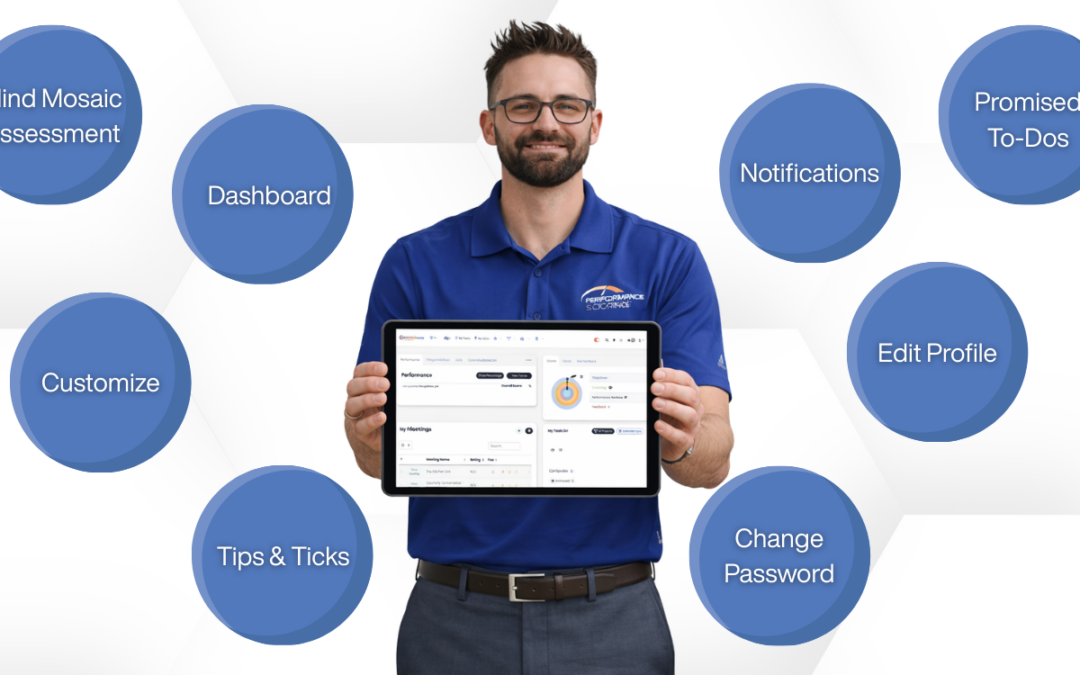
Performance Scoring includes powerful tools beyond Meetings, Objectives, and Scorecards. These features help users personalize their experience, improve accountability, and get even more value from the platform. This guide highlights additional features every user and...
Feb 19, 2026 | Education, Knowledge Base
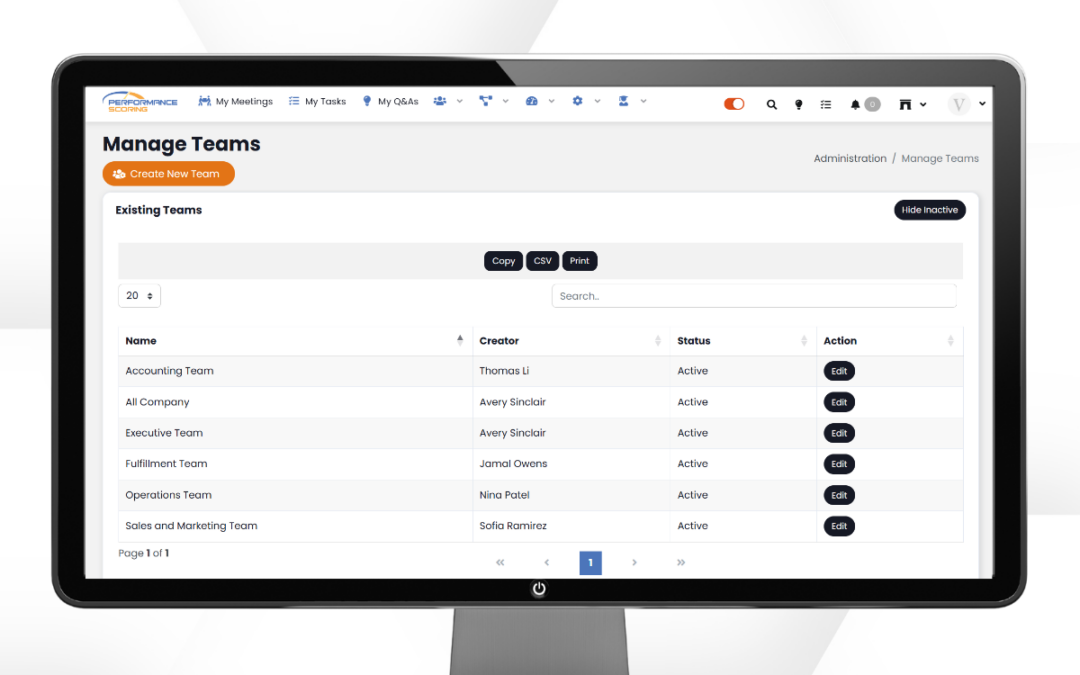
Teams in Performance Scoring help organize users, streamline meeting management, and improve visibility across departments and leadership groups. Setting up Teams correctly ensures your meetings, dashboards, and execution tools stay aligned with your organizational...
Feb 19, 2026 | Education, Knowledge Base, performance management, productivity
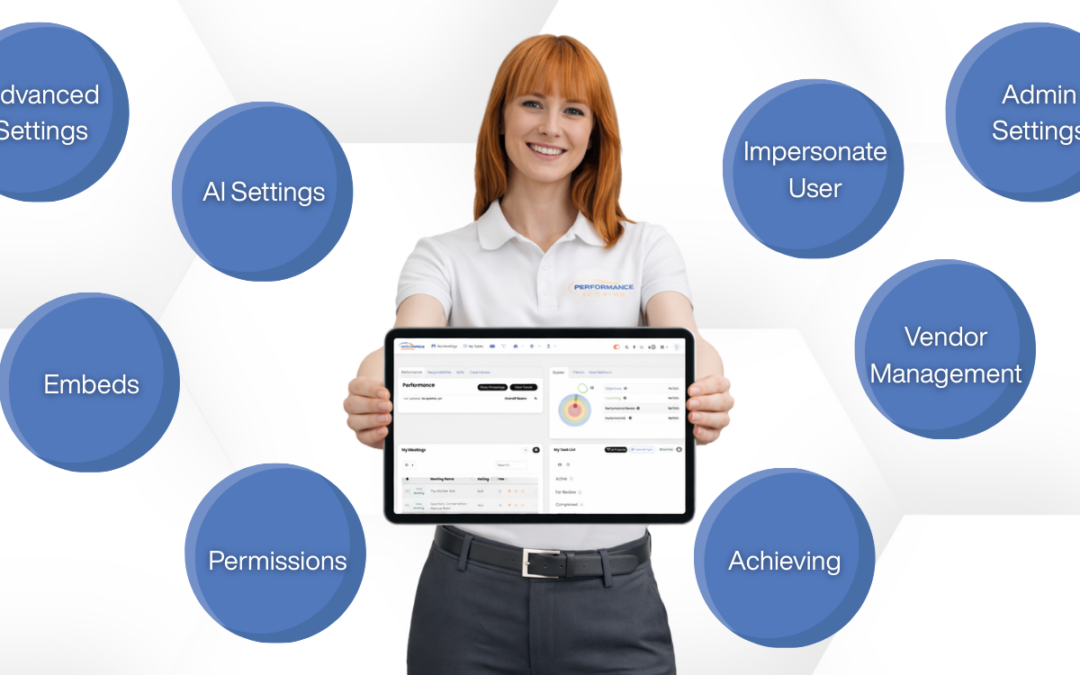
Performance Scoring administrators have access to powerful tools that go beyond basic user management. These advanced features help improve oversight, meeting consistency, vendor accountability, and platform efficiency. Below are key admin tools every...

Feb 13, 2026 | Education, Knowledge Base, performance management
Your Business Plan in Performance Scoring is not meant to sit untouched once it’s created. It works best as a living document — something that evolves as your goals, projects, and priorities change. When updated regularly, your Business Plan keeps leadership aligned,...